Lofi Gokko: Rainy Night Drive Generator
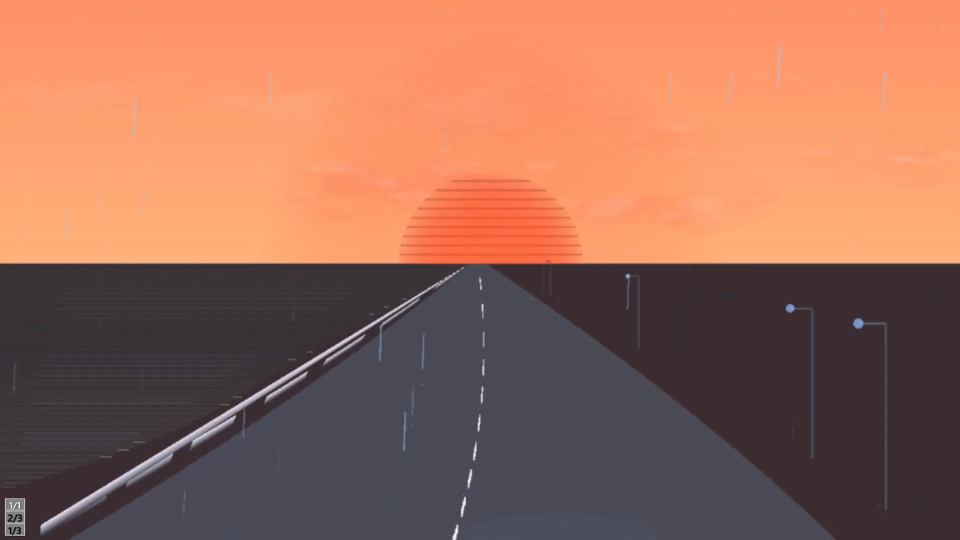
A retro-style rainy night drive experience — not a racing game.
Upload your own MP3 and watch the scenery change in time with your music.
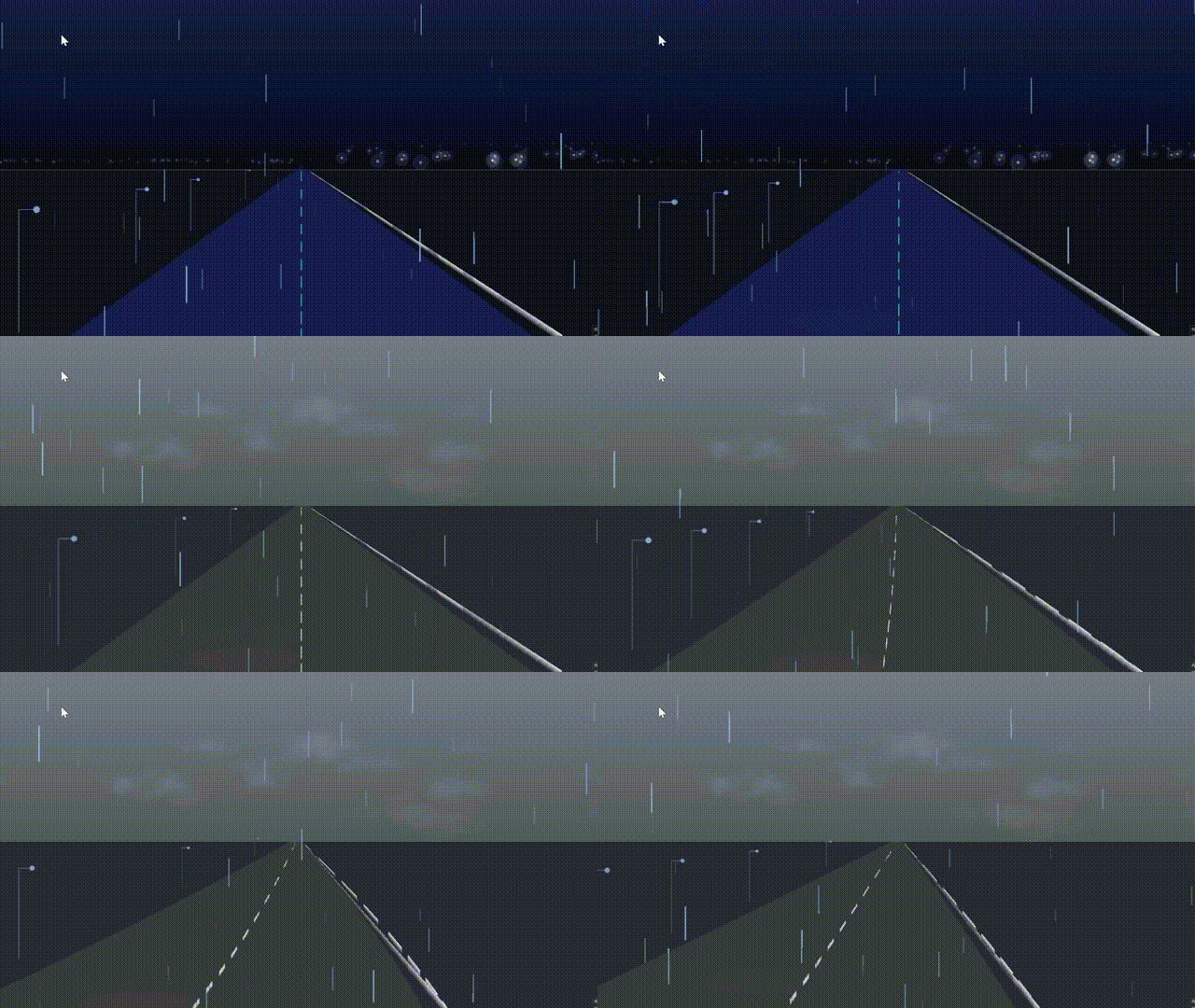
Features
- Upload your own MP3 and play it locally (your file is only referenced on your device, never shared externally)
- Comes with 3 demo tracks made with vocal synthesis software, so you can play right away even without your own MP3
- Record your screen with OBS or similar tools to create a music video. Also great for making MVs for original songs made with generative AI
- Switch sky, sea, rain, and roadside objects in real time
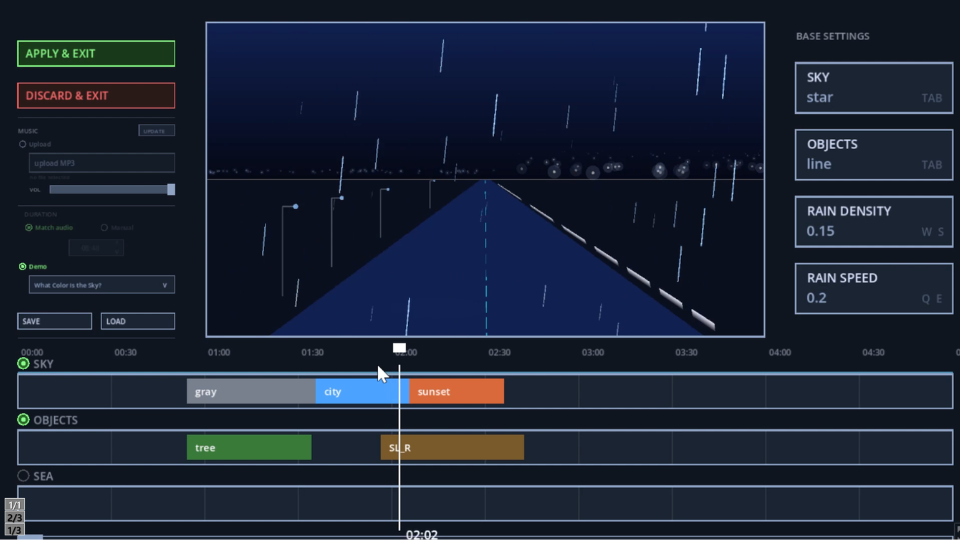
- Use the timeline editor to set up automatic scene changes that match the structure of the song
- Save and load your settings anytime to continue editing later
- Runs entirely in the browser, no installation required
Game Modes
The trailer below explains how to play in detail.
From the title screen, you can start in one of three ways:
- Game Start (normal): Play immediately with the demo track
- Start from Edit Mode: Configure basic settings, load an MP3, change the demo track, and set up detailed scene changes on the timeline before playing
- Start from Save Data: Load previously saved settings and play
Controls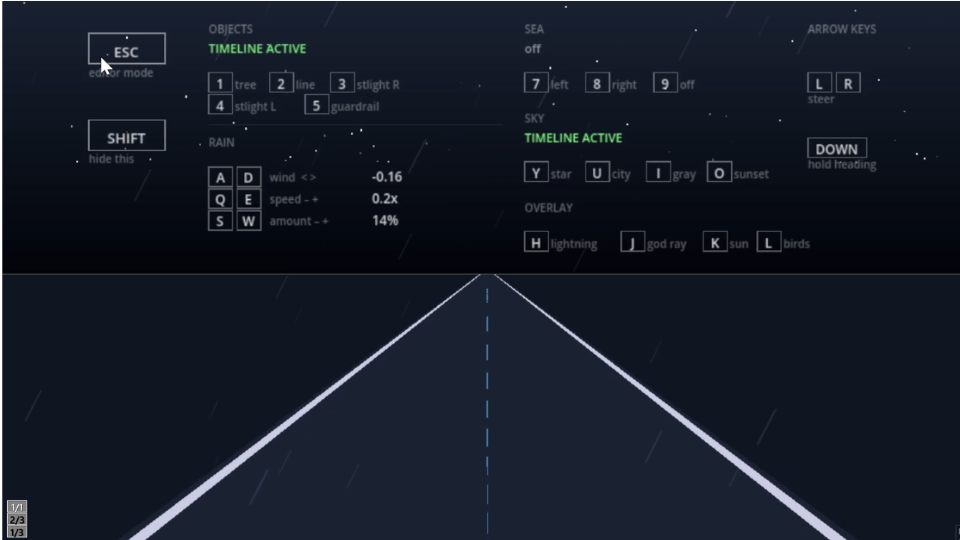
Basic Controls
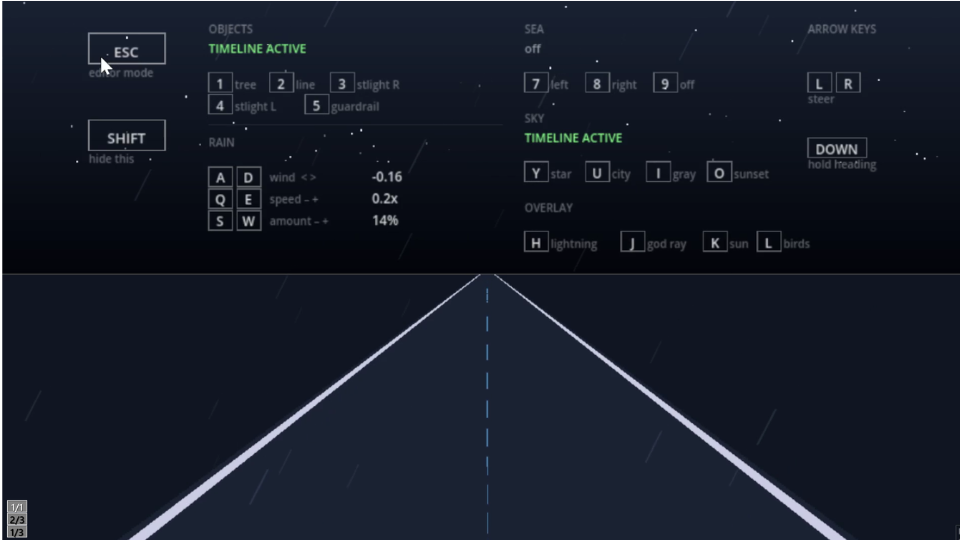
- Left and Right keys: Steering
- Down key: Hold current heading
- ESC or C: Switch to Edit Mode
If you are playing in fullscreen, we recommend using C instead of ESC, as ESC may conflict with your browser's fullscreen or zoom controls.
- SHIFT: Toggle the on-screen help display
Road Effects
- Number keys 1 to 5: Switch roadside objects (tree, line, streetlight right, streetlight left, guardrail)
- A and D, Q and E, S and W: Rain controls (wind direction, speed, amount)
Sky and Sea Effects
- Y, U, I, O: Switch sky themes (starry, city, gray, sunset)
- 7, 8, 9: Switch sea display (left, right, off)
Overlay Effects
- H, J, K, L: Switch lightning, god ray, sun, and birds
Edit Mode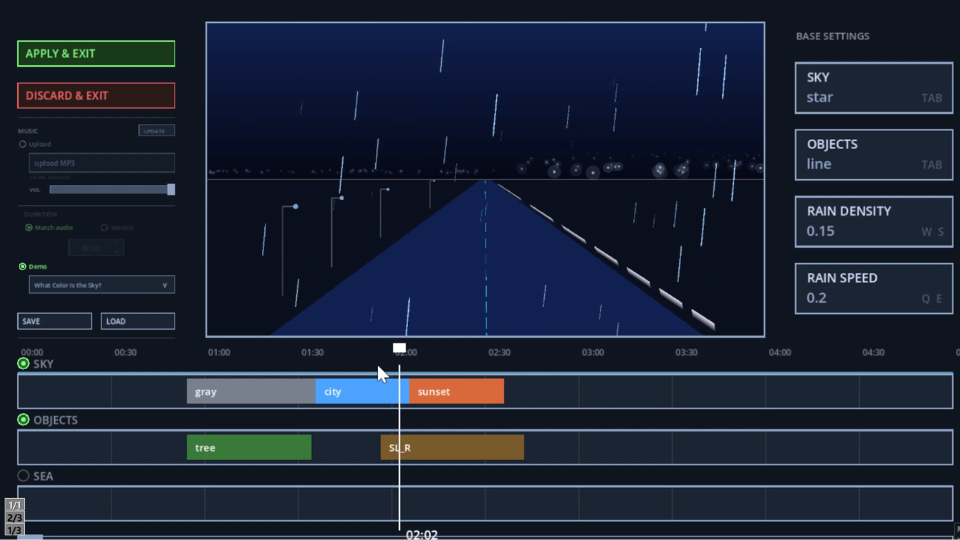
You can switch to Edit Mode anytime by pressing ESC or C.
Upload your favorite song and set up the sky, sea, rain, and road effects in advance, and the scenery will automatically change along with the structure of the song.
You can also override any of these effects in real time while playing, so you can freely combine pre-set scenes with live, on-the-fly adjustments.
Sharing Your MVs
You are free to share any original MV you create with this tool on social media or elsewhere. No prior permission is needed.
Please check the rights of any music you use on your own. The copyright of the demo tracks included in this game belongs to the developer of this game.
When sharing your MV, please include a simple credit in the description, such as:
Visual: Lofi Gokko
Demo MV
The video below is a music video for an original Vocaloid song, created using Lofi Gokko. The gameplay was recorded with OBS, then lyrics were added in a separate video editor to complete the MV.
※ Note: recording and text/caption features are not included in this game.
System Requirements
Browser only (PC recommended, not supported on smartphones)
Development log
- R.I.P. Kavinsky: Nightcall's Impact on Me6 days ago
Leave a comment
Log in with itch.io to leave a comment.